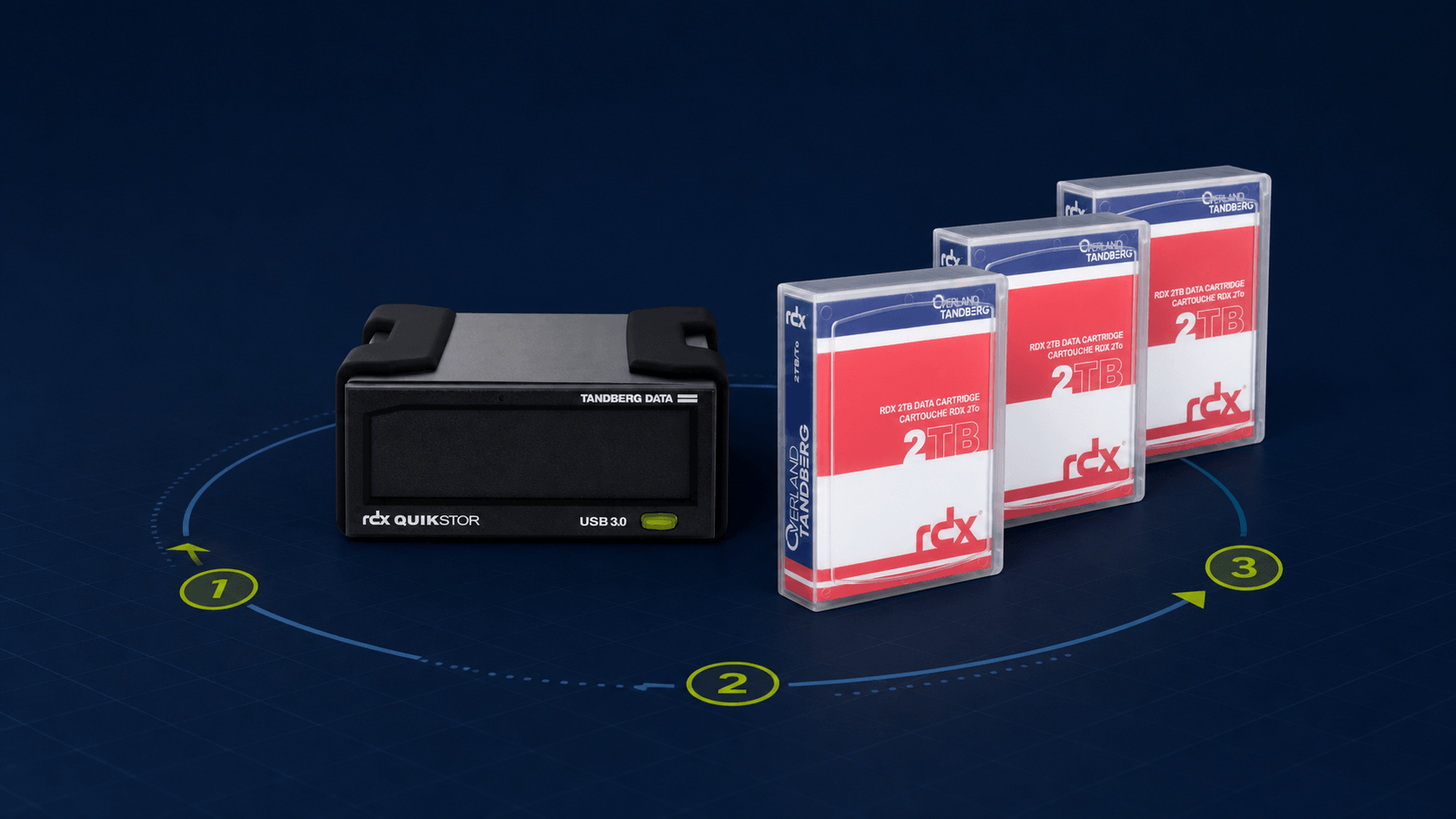
An offline backup is only dependable when its rotation is simple, documented and tested often enough to expose failures before an incident. This five-step method turns removable media into a recovery process that a small team can operate consistently.
Key point: the medium scheduled for the next backup, the validated off-site copy and the medium in transit must never all be in the same place at the same time.
What is an offline backup rotation?
A rotation alternates several removable media according to a defined calendar. After a backup completes, the medium is ejected and stored securely. That physical separation removes the active path from production accounts and malware to at least one recovery copy.
The right cadence depends on the rate of change, business criticality, retention requirements and the acceptable recovery point. A small organisation can begin with daily or weekly sets, then adjust the design using evidence from restore tests.
Organise the rotation in five steps
1. Identify the data that must be recoverable
Inventory shared files, business databases, virtual machines, configuration exports and the keys required to use them. Give every dataset an owner, a recovery point objective and a retention period. This prevents capacity being consumed by low-value copies while essential dependencies are forgotten.
2. Define the number and role of media
Use enough media to avoid overwriting the last known-good copy immediately. A three-medium cycle is an understandable starting point: one medium ready for the next job, one validated medium held separately and one being transported or checked. Critical systems may require daily sets plus weekly and monthly retention.
3. Label and track every medium
Assign stable identifiers such as RDX-A, RDX-B and RDX-C. The register should record the backup date, operator, protected scope, software job, storage location, encryption status and latest verification. Do not put sensitive system names or credentials on the external label.
4. Keep a validated copy off site
A copy in another building, branch or controlled safe reduces the chance that fire, theft, flooding or a prolonged site outage removes every recovery option. Define who transports it, how handover is confirmed and who may access the storage location. Protect the medium against shock, heat, moisture and unauthorised use.
5. Test restoration, not just backup completion
Select representative files and applications, retrieve the intended medium without relying on the usual operator, restore into an isolated location and record the elapsed time. Confirm readability, integrity, permissions and business usability. A successful job log is useful evidence, but it is not proof of recovery.
Example three-medium weekly cycle
| Week | Backup medium | Protected copy | Action |
|---|---|---|---|
| 1 | RDX-A | RDX-C off site | Run, verify and eject A |
| 2 | RDX-B | RDX-A off site | Return C; move A off site |
| 3 | RDX-C | RDX-B off site | Return A; move B off site |
| 4 | RDX-A | RDX-C off site | Repeat only after verification |
Common rotation failures
- Leaving the medium connected after the job, which removes the physical isolation.
- Keeping every cartridge in the server room or the same fire compartment.
- Running the process without a named owner or a documented deputy.
- Reusing a medium before the previous copy has been checked and another valid recovery point exists.
- Transporting media without encryption, custody records or suitable physical protection.
- Treating a green backup status as proof that applications can be restored.
Start small, measure and improve
A short procedure that the team follows is stronger than an elaborate plan that depends on memory. Begin with labelled media, a visible calendar, an off-site handover and one restore test. Use the results to adjust capacity, cadence, retention and training. Review the rotation whenever systems, data volumes, staff or recovery objectives change.
Assess your backup project
Describe your critical data, current copies and recovery objectives to identify a practical offline rotation.
Share this guide